Live chat on your site in a few minutes
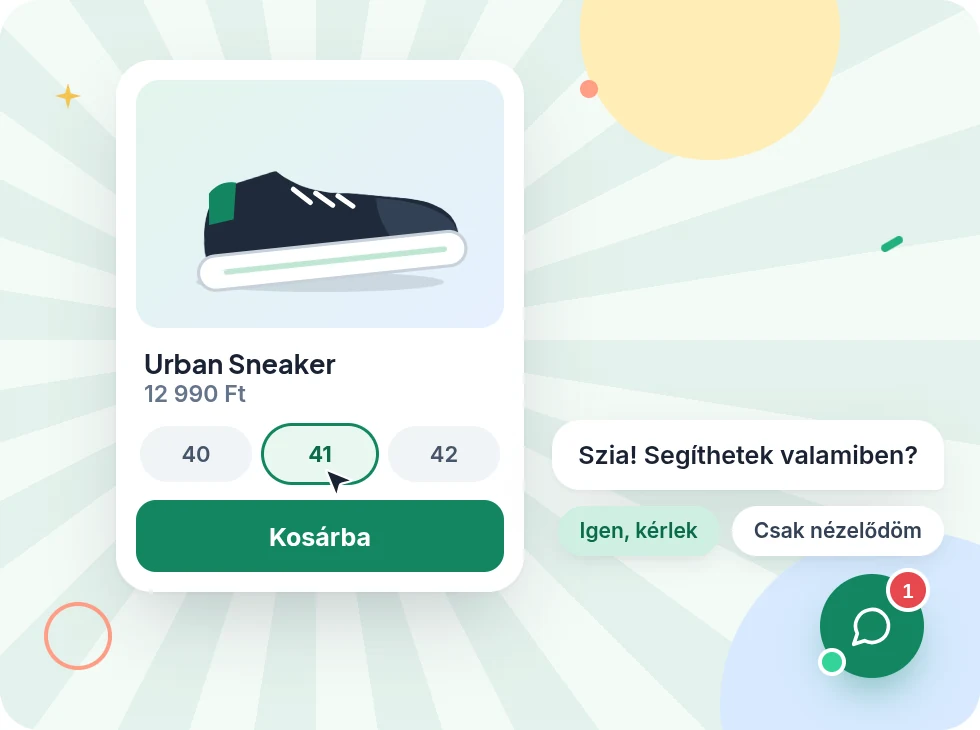
You paste a short snippet into your site, and the chat appears on it. It works on any webshop or website, and it shows up in your colours.
How it works
- 1
Paste the snippet
The console gives you your own snippet. Paste it at the bottom of your page or into your shop's settings, and the chat is there.
- 2
Choose how it looks
Colours, title, welcome text, logo, and whether it sits on the left or the right. You set everything in the console and never touch the code again.
- 3
It's already working
As soon as the snippet is on your page, customers can write in the chat. If you like, you can also set it to greet hesitant visitors on its own.
What it does
-
Stays out of your site's way
The chat is a separate layer on top of your page. It doesn't change how your site looks, and your site doesn't change the chat.
-
In your colours
Your own colours, logo, title and welcome text, in a light or dark look.
-
Greets the ones who hesitate
If you turn it on, it says hello after a set time, or on a computer when the visitor is about to leave. Once per visit, so it never nags.
-
Buttons at the bottom
Add up to six buttons, for example to call a colleague or open a page.
-
Comfortable on a phone
On mobile the chat fills the screen and doesn't zoom into your page while typing.
-
Hungarian and English
It follows the visitor's language, or you fix the language.
More features
Tonight, Zuppor answers your customers
Set up in minutes, and try the Pro plan free for 14 days, no credit card.
Get started free